

CAME-TV Blog

CAME-TV Blog

Menu

Skip to content
  • Blog
  • Instagram
  • FAQ
  • Contact Us
  • Newsletter
  • CAME-TV Store

How To Modify Follow Modes or Speed of Follow Modes

cametvblog • July 30, 2015
FacebooktwitterpinterestFacebooktwitterpinterest

The following PDF document has been provided to explain instructions on modifying the Follow Modes on your CAME-TV 7800 Gimbal. These instructions are similar for other Gimbal Models as well.

You'll need to connect to the gimbal via a USB Cable, and launch the software. For information about installing the SimpleBGC software, visit These Instructions.

Download the PDF Document (below) for Instructions On Modifying your Follow Mode Settings.

search Adjust Follow Modes and Speed for Follow Modes on CAME-TV Gimbal - Google Docs

Related Posts:

  • How to Light Your Next Scene or Interview Like a Pro With Our CAME-TV Collapsible Lantern Softbox!
    How to Light Your Next Scene or Interview Like a Pro…
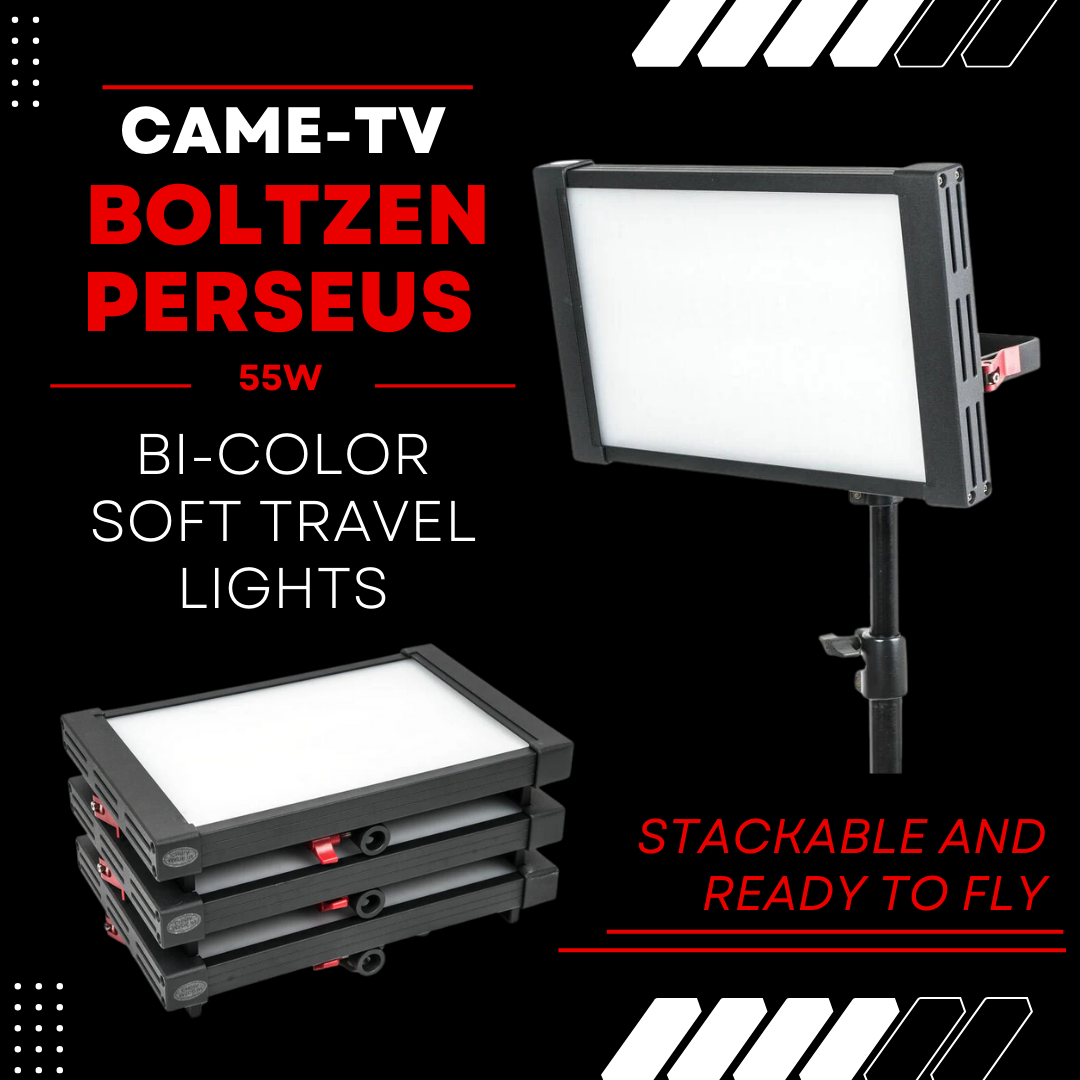
  • CAME-TV Boltzen Perseus Bi-Color 55W SMD Travel Lights
    CAME-TV Boltzen Perseus Bi-Color 55W SMD Travel Lights
  • Upgrade Your C300 Setup with the CAME-TV Rig Handle Baseplate
    Upgrade Your C300 Setup with the CAME-TV Rig Handle…
Posted in CAME-7000, CAME-7500, CAME-7800, CAME-Mini, CAME-Single, FAQ. Tags: Follow Mode Settings, Follow Mode Speed, LPF Gimbal Settings, Modify Change Gimbal Follow Mode on July 30, 2015 by cametvblog.

Post navigation

« Configure RC Tab Settings – JoyStick Control Options 7000 7500 7800 Gimbal Shakes When Tilting Up or Down »

Search


Give us your feedback in the button below.

Blog By Product

FAQs By Product

Common FAQs

Return Policy

Payment

Warranty

Contact Us

Shipping

Wholesale

Featured Products

Categories

Log in
Powered by WordPress