

Tag Archives: stabilizer

FacebooktwitterpinterestFacebooktwitterpinterest

Initially, you can download any version of the SimpleBGC software to connect to your gimbal. After your first successful connection, look at the version of the firmware on the screen (shown in green below). 

simplebgu_firmware_

Once you have verified the firmware version, you can go back and download the correct GUI version to match your firmware.

Typically, you will want the the software version whose number is equal or lower than the firmware version. For example, in the example above, since your gimbal has been programmed with a 2.56 b9 firmware, you will want to find a SimpleBGC software version that is equal or slightly lower than 2.56 b9. In this case, the closest software version available is 2.56 b7. You should always use the same GUI when configuring your gimbal. And most importantly, NEVER upgrade your firmware!!!

Download link for the SimpleBGC GUI software can be found here.

FacebooktwitterpinterestFacebooktwitterpinterest

In order to get smooth, steady shots with any of our CAME-TV gimbals, you want to make sure that your camera is properly balanced on them. However, sometimes our customers are so eager to put their new gimbal to use, that they don't take the time balance it accurately.

If you are reading this article, then chances are that you already have, or are in the process of balancing your gimbal. The video below, we will show you a very quick and easy test that will let you know if you've done so correctly.

https://www.youtube.com/watch?v=745rtOM_1fw

For full, step-by-step instructions how to balance your gimbal, check out these useful videos produced by reviewer MrCheesycam. CAME-TV 7800 CAME-TV MINI CAME-TV MINI 2, Single

FacebooktwitterpinterestFacebooktwitterpinterest

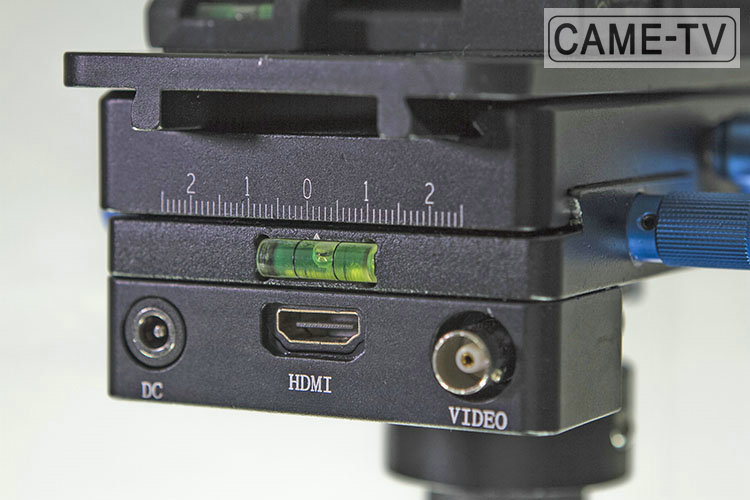
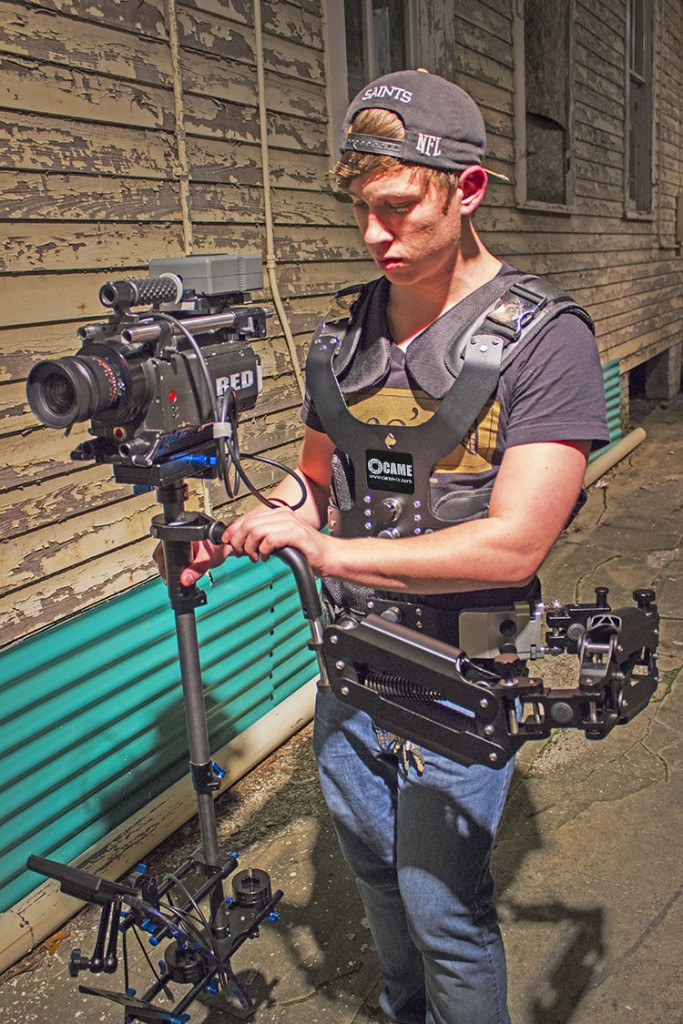
The CAME-Steadicam can hold camera setups that are roughly 5 to 33 pounds with a minimum height of 27.5 inches and a max of 40 inches. The CAME-Steadicam comes equipped with a baseplate that has a Power, AV and HDMI connector. You also have the option to buy the stabilizer and the vest separately or as a package.

CAME-Steadicam Pro


Click below for more information on the CAME-Steadicam Pro.

CAME-Steadicam Pro With Vest

FacebooktwitterpinterestFacebooktwitterpinterest

In this video by Youtube user, Tom Antos, unboxes the Pro Steadicam and goes through the basic setup process.  The Pro Steadicam comes with pretty much everything you would need to get started on getting some creative long take shots.

FacebooktwitterpinterestFacebooktwitterpinterest

The Pro Carbon Steadicam is designed for shooters who have cameras that range from 5.5lbs to about 33lbs and can extend to a max height of roughly 40-inches(3.34-feet). This inexpensive kit comes with the Steadicam, support vest, support arm, balance weights, an HDMI cable and a few other things that will help you get up and running.

CAME Load Pro Camera Steadicam Stabilizer
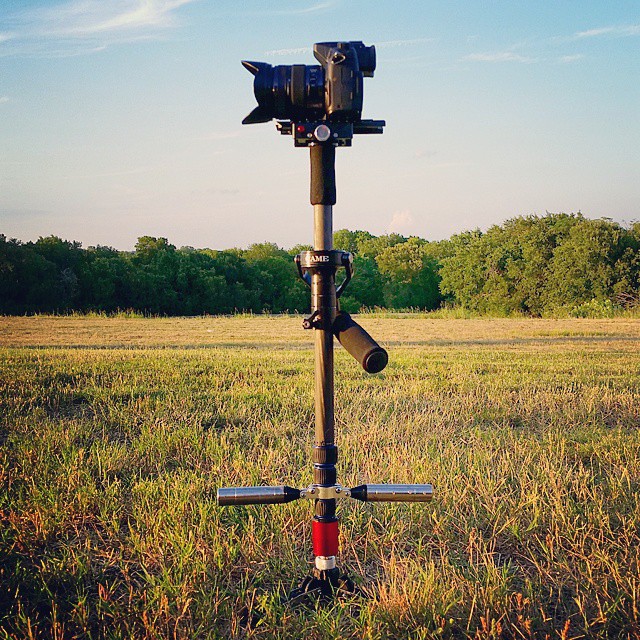
CAME Load Pro Camera Steadicam Stabilizer In Use