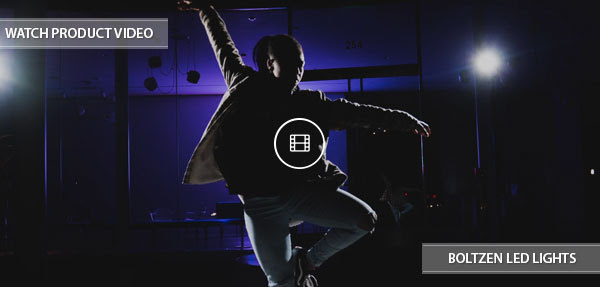
@muecahit_oe shared this BTS pic of him using our #Cametv #Boltzen #LED #Fresnel #Lights on set for a #MusicVideo shoot! Thanks for the support! #CameBoltzen #CametvBoltzen #boltzensnap1 #LedFresnel #FresnelLight - Made a quick photo between the shots while filming a #hiphop #musicvideo with the #panasoniclumix #gh5. Lighted with three #cametv #boltzen #ledlights and build some #atmosphere with #atmosphereaerosol.
#filmmaker #lostplaces #runandgun #hamburg #filmlight #newcomer #support - #regrann via Instagram https://www.instagram.com/p/BUz8jDxFBtL/
If you've purchased one or more of our hugely popular Boltzen LED series of lights, you can now control it with your mobile device. Using the brand new CAME-TV Boltzen WiFi Controller in tandem with our our Boltzen LED mobile app, you can now control numerous features on either one or multiple Boltzen lights at the same time. These features include turning the light on & off, dimmming, color temperature (for Bi-Color lights), and even timer operations. And you can do this all without an external WiFi network. See the video below for step-by-step instructions.
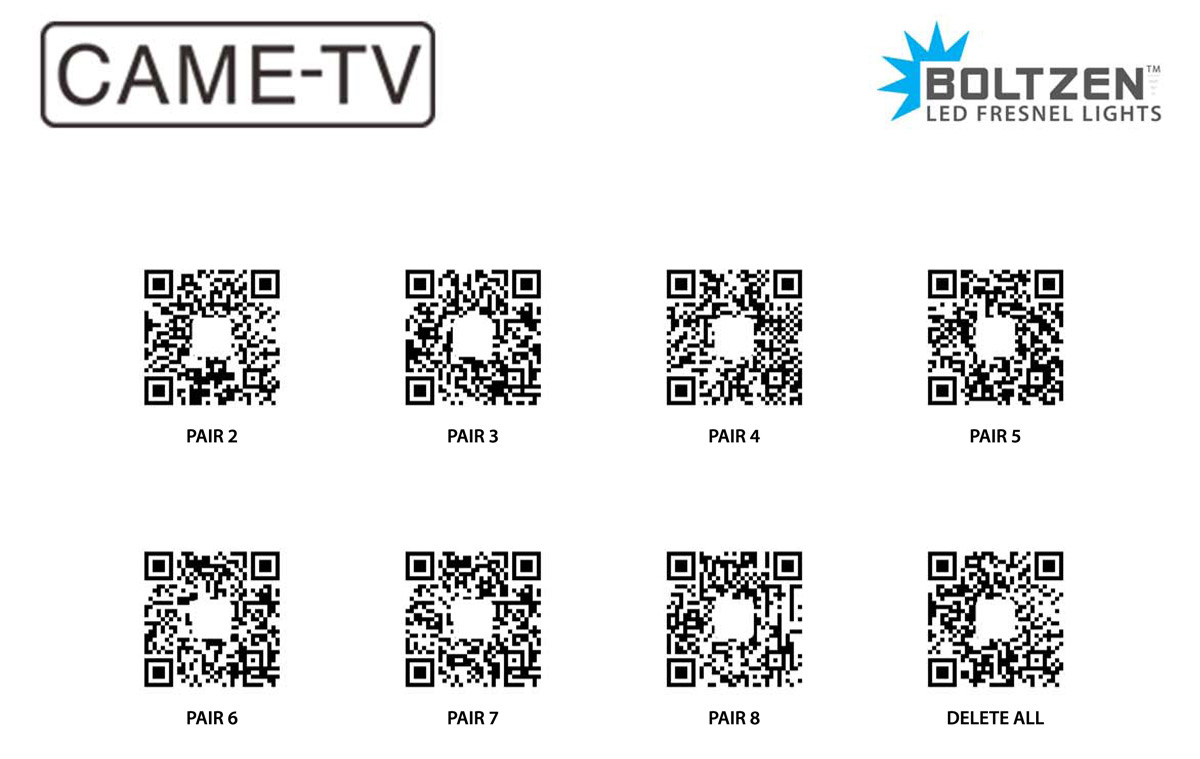
As shown in the video above, you will need to scan customized QR codes in order to connect to more than one light. We'd suggest either bookmarking this article (on your mobile device), or printing out several versions of the QR code sheet below so that you can always have access to them.
QR CODES: Click image below or click here for printable version.
NOTES:
1. Download the Boltzen LED app for iOS devices here, and for Android Devices here.
2. Numerically label all of your Boltzen lights and WiFi dongles so you know which ones are to be paired together.
3. When starting, make sure ONLY light #1 is turned on and all other lights are powered off. You will successively turn on each additional light once you are ready to pair them. (Only after previous light has already been paired).
4. During the WiFi search process, if it does not connect successfully right away, click on the magnifying icon repeatedly until connection is successful.
5. If you have troubles connecting to the Boltzen dongle's WiFi, or with pairing with a device, try deleting the devices/WiFi network from within the app, and start the process again. You can even delete the Boltzen LED app and re-install so you can start from scratch.
6. Once you have the group setup via QR codes you should not have to scan them again. It's a one time setup process to pair the dongles, which is why we recommend that you label them. As long as the primary dongle has power, then the rest will sync after the one time QR scan.
7. If you are still having troubles connecting to the WiFi even after following all of the instructions above, re-attempt the process and press/hold the Pair WiFi button for about 5 seconds after the dongle insertion into the USB port (following 3 red light appearance). After releasing the Pair WiFi button, commence following the instructions as shown in the video.
@muecahit_oe just received some of our #Cametv #Boltzen #Led #Fresnel #Lights! Thanks for the support! #CameBoltzen #BoltzenLights #boltzensnap1 #LedFresnel #CametvBoltzen #FresnelLight - Let's light some stuff!
#filmmaker #cametv #cametvboltzen #hamburg #lighting #documantary #ledlights - #regrann via Instagram https://www.instagram.com/p/BUIM_09F3a2/
@rmbrecords recently picked up on of our #Cametv #Boltzen #LED #Fresnel #Lights! Thanks for the support! #CameBoltzen #CametvBoltzen #boltzensnap1 #BoltzenLight #LedLight #FresnelLight #LedFresnel #55w - That feeling when you have found another passion in life!As you all know I love playing guitar, this has brought me to another passion of mine, cinematography and photography!
It's time to start looking for some clients in this field.
There are far more important things and people to me than what I do.
Our passions can only make us happy when the important stuff fills us up first, our passions just fill us out.
Find what you love doing and do it! - #regrann via Instagram https://www.instagram.com/p/BTuTCRHF-ui/
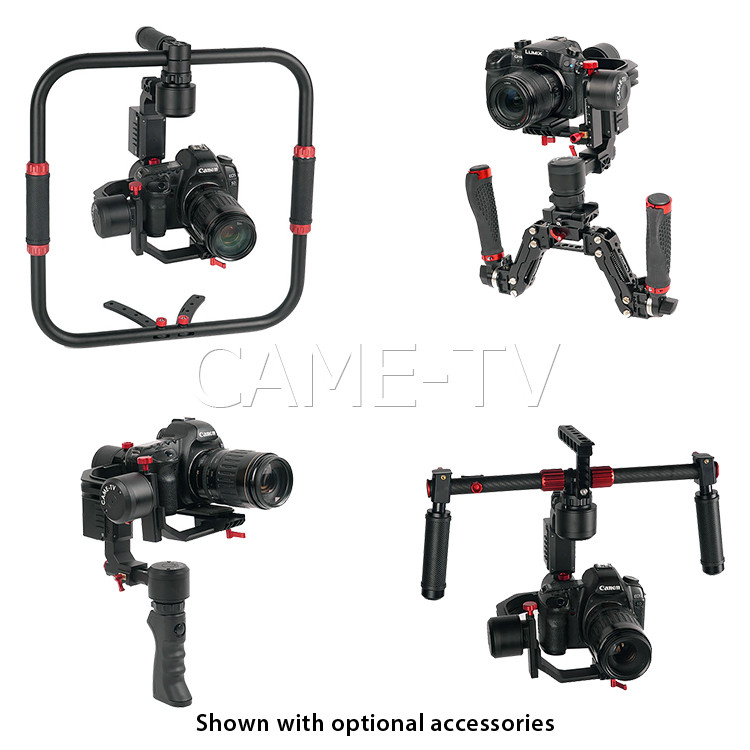
Both the Prophet and Argo are designed to support small to medium sized DSLRs with a maximum payload of 6.6 lbs (3 kg). However, while the Argo contains a dedicated 2-handed setup, the Prophet comes with a single handed pistol grip handle (similar to the CAME-Optimus), but with the option to use them with a variety of compatible two-handed accessories - including the Orbit-One Ring Mount, Dual Handles and Tessera.
For more information on the new CAME-TV Prophet or the new series of Boltzen Lights click below! Make sure to also sign up for our newsletter to receive updates and information on any new products we release.
Popular filmmaker/Youtube user Tom Antos, passed by our booth at NAB 2017 and had a quick chat with us about our new Boltzen series of lights that we showcased at the show!
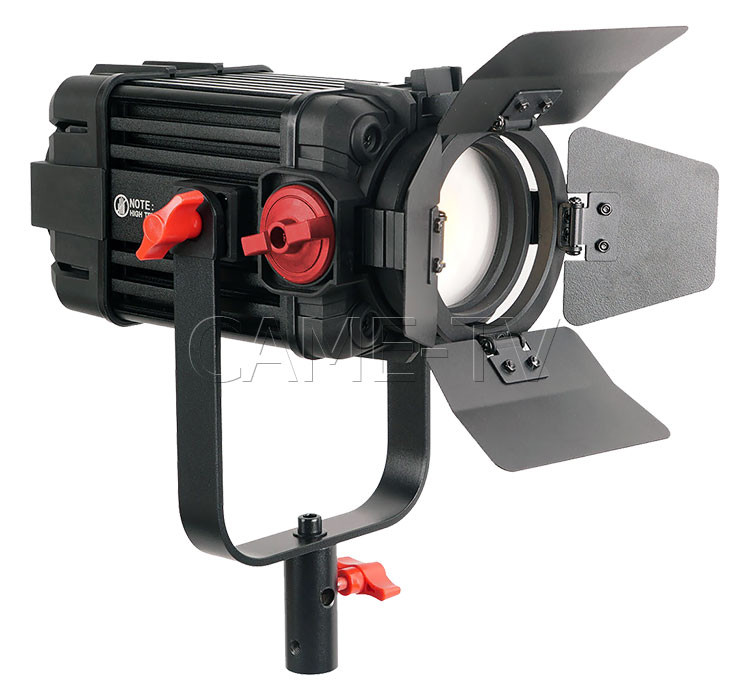
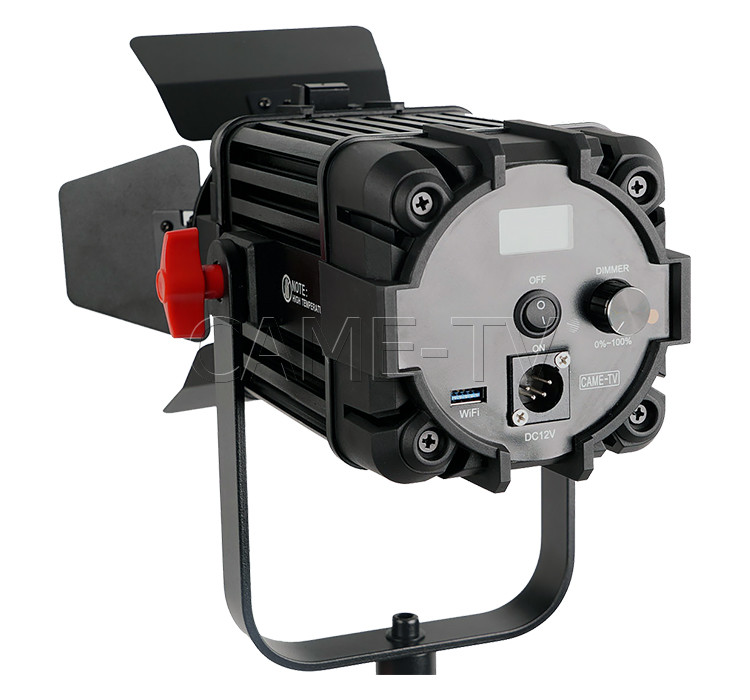
Our new CAME-TV Boltzen 100w & 150w LED Fresnel Lights are extremely versatile, allowing you to go from a tight spot to a wide flood all in one continuous light. These new Boltzen lights feature a housing that is designed to dissipate the heat during continuous use, perfect for being used on set.
We're excited to unveil our brand new #Cametv #Boltzen #150w #Light here at #NAB2017! #CameBoltzen #CametvBoltzen #BoltzenLight #LasVegas via Instagram https://www.instagram.com/p/BTUqA_PFHRE/
@bfritzel3.14 using our #Cametv #Boltzen #30w #Led #Fresnel #light on a recent #wedding shoot! #CametvBoltzen #CameBoltzen #boltzensnap1 #LedFresnel #FresnelLight #BoltzenLight - Using the Boltzen 30W Fresnel for the first time at a wedding. Super impressed with it. #weddingfilm #fritzelmedia #boltzen #cametv - #regrann via Instagram https://www.instagram.com/p/BTCo6eElMeV/
WE WOULD LIKE TO SHARE SOME FEATURED VIDEOS THAT WERE CREATED BY CUSTOMERS USING OUR PRODUCTS
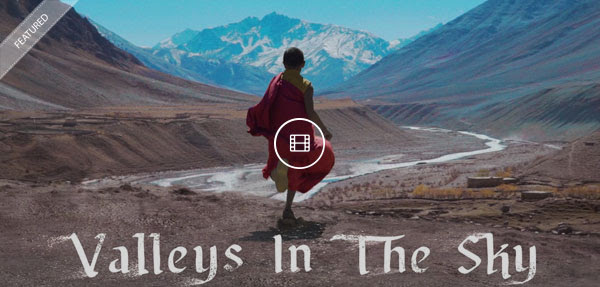
Vimeo user, Nathaniel Connella, uploaded this beautiful video that "takes you on a journey to one of the highest altitude and least populated regions in the world, located in the Indian Himalayas."
Youtube user, Caleb Irwin, uploaded this beautifully shot video that he created to document his trip to India. The entire video was filmed with the CAME-Optimus Gimbal paired with the Sony A7sII!
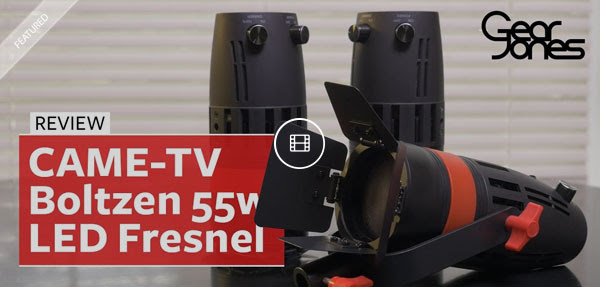
Youtube user, Gear Jones, recently uploaded this review on our CAME-TV Boltzen LED Fresnel Lights! Watch the review below!
WE HAVE BEEN BUSY CREATING PRODUCT VIDEOS AND THE LATEST WE WANTED TO SHARE WITH YOU IS THE
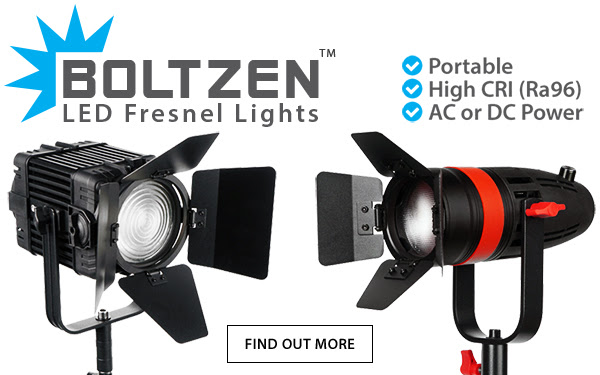
BOLTZEN LED LIGHTS
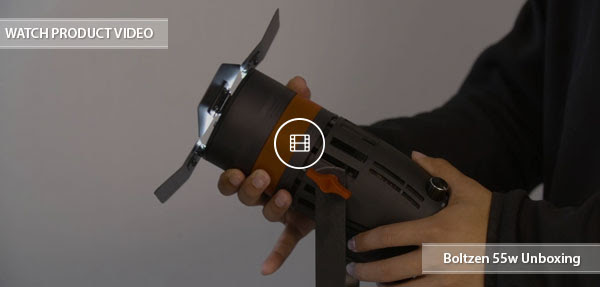
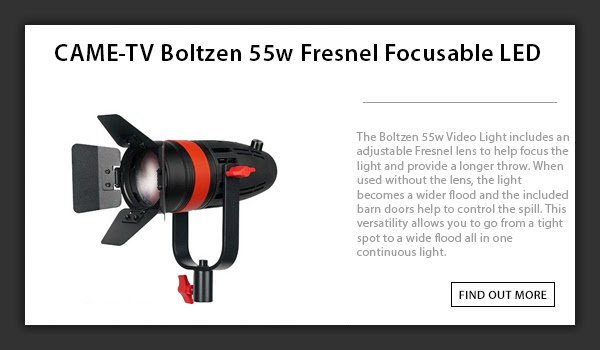
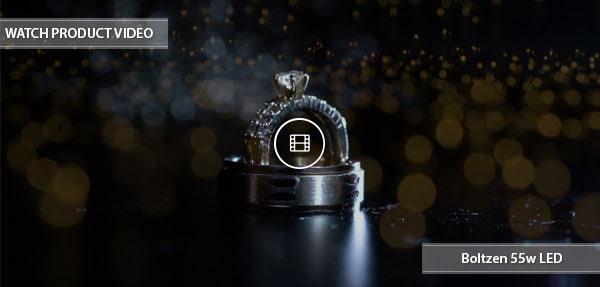
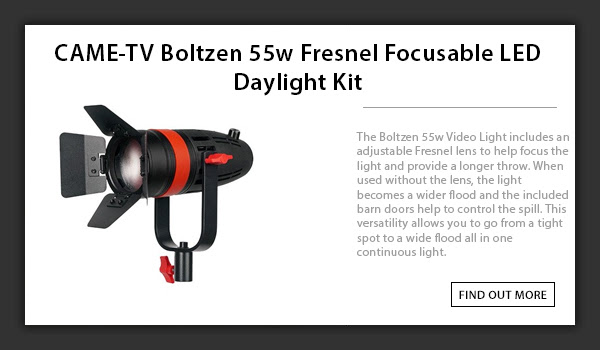
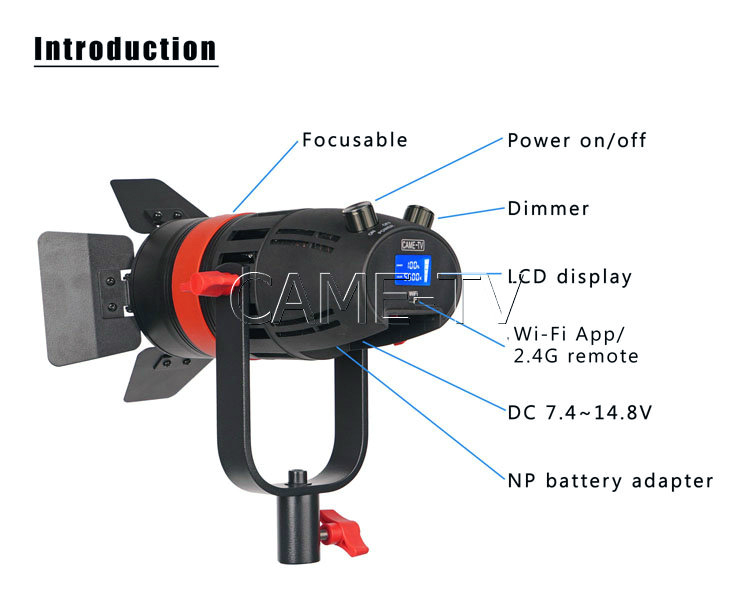
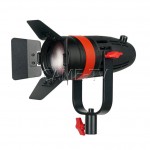
The Boltzen 55 Watt Video Light shares the exact same housing as our Boltzen 30w Fresnel with the exception of a built in cooling fan to dissipate the extra heat. Our fan is barely audible at a distance of 1 meter. The CAME-TV Boltzen 55w Fresnel Video Light can be powered from AC (with included power adapter), NP Series battery or V-Mount battery via the included V-Mount adapter cable providing convenient use on set and on location.
For more information on the CAME-TV Boltzen LED Fresnel Lights click below! Make sure to also sign up for our newsletter to receive updates and information on any new products we release.